
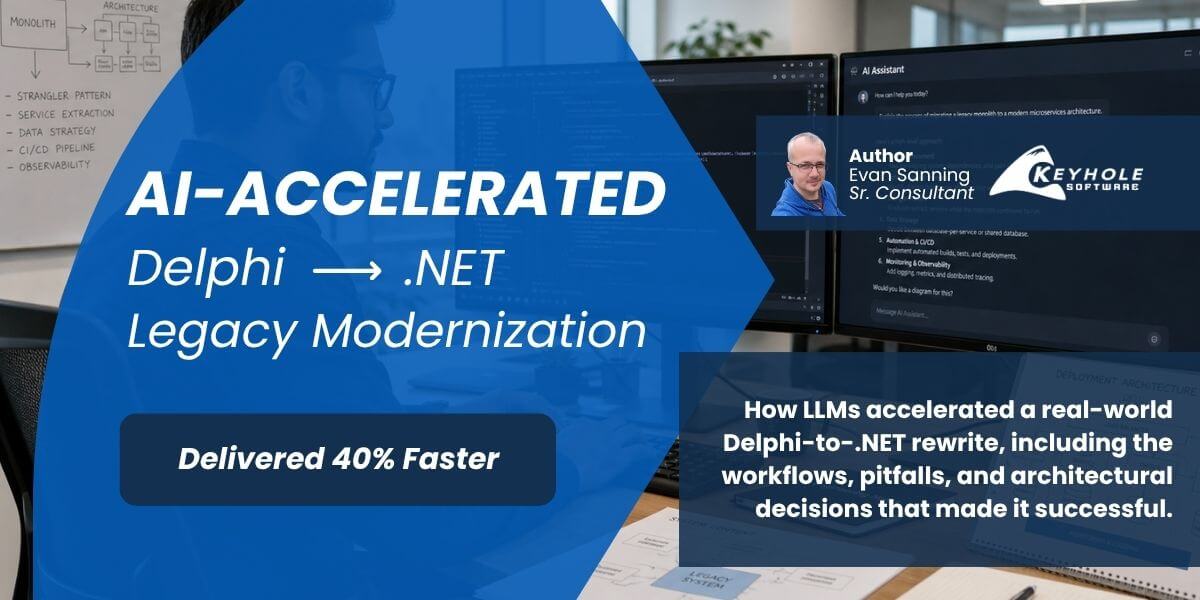
How We Used LLMs to Rewrite a Legacy Delphi Application in C#
We rewrote a legacy Delphi (Object Pascal) application into a .NET C# service worker in three months, beating a five-month deadline for a client in the healthcare software space.
Here’s what actually made that possible and the pitfalls we hit using LLMs along the way.
When we first scoped the legacy rewrite in early 2024, we estimated at least six months to reach feature parity. By the time we actually kicked off in early 2026, we had spent well over a year discussing how the architecture would change moving to .NET, adding proper abstractions for unit testing, and structuring the code so it could potentially be resold as a standalone product.
That pre-work mattered more than anything else, and it set the foundation for where LLMs were actually useful.
Outcome at a Glance:
- Rewrote a legacy Delphi application into a .NET C# service in ~3 months
- Beat a 5-month delivery target
- Established reusable components (serialization layer) for future modernization efforts
- Maintained testability and structure throughout the rewrite in a regulated software environment
Legacy Application Modernization with LLMs
This project is a practical example of how LLMs can support legacy application modernization when paired with clear architecture and planning.
In this case, the speed came from using LLMs to accelerate well-defined pieces of work, not from relying on them to determine structure or design. That distinction ended up being the difference between straightforward progress and potential rework.
What Made This Legacy Application Modernization Succeed
These were the factors that had the biggest impact on this legacy application modernization effort, in order of importance.
1. Planned Architecture
We didn’t start writing code until we had a clear picture of the new architecture for the modernized system. Having those conversations early meant I could stand up the scaffolding quickly and move directly into conversion work rather than making structural decisions mid-sprint.
This upfront design work also made it easier to enforce consistency, testing, and long-term maintainability across the system as the rewrite progressed.
2. Splitting the Serialization Layer First
Part of our redesign involved extracting the app’s serialization logic (as part of the broader modernization effort) into a standalone NuGet package, something that could be reused by other apps slated for the same treatment. Tackling that first gave me a well-defined scope to start with and forced me to think through how the package would be consumed before writing a line of the main service.
It also positioned that logic for reuse across future modernization efforts, which is often a key goal in enterprise environments.
3. GitHub Copilot for Code Conversion
With the architecture locked and the serialization layer done, Copilot became a genuine accelerator for the code conversion process. I could hand it a full Delphi flow: the method, its dependencies, the relevant DB queries and have it produce the equivalent C# while simultaneously generating unit tests to validate each component.
That ordering mattered, Copilot didn’t make the rewrite successful, the modernization planning did.
Using Copilot made the execution faster. But only because the structure, boundaries, and expectations were already clearly defined.
What to Watch Out For When Using LLMs Legacy Code Migration
These were some of the most common challenges we encountered when using LLMs for legacy application modernization, code migration, and AI-assisted development workflows.
Context Window Management
Context is everything. When you’re feeding Copilot Delphi code and expecting it to hold your new architecture in mind simultaneously, you can burn through your context window fast. With Copilot inside Visual Studio, there’s no visibility into how much you’ve used.
My workaround: AGENT.md, MEMORY.md, and ARCHITECTURE.md files that I maintained throughout the project. Every session started with: “Load AGENT.md, MEMORY.md, and ARCHITECTURE.md. Today we will be…” and ended with: “Update .md files with anything relevant from today’s session.”
That gave Copilot a persistent knowledge base to work from without relying on in-context memory.
Claude does let you run /context to see current context usage, something I’d want in every LLM tool at this point.
Always Provide the Full Context: Including Sub-Methods
Copilot can only work with what you give it. One time I missed a sub-method while copying a flow over. Copilot, rather than stopping to ask for the missing piece, hallucinated the entire thing (correctly identifying that a DB interface would be needed) and generating a database query based on what it thought the table structure would be.
It took 30 minutes to untangle. I fixed it by hand just to be sure I hadn’t missed anything else.
Ideally the model would recognize a gap in its context and ask for clarification instead of generating an invalid solution. But that’s not always what happens so verify that every dependency is in scope before you hand a flow over.
Formatting Bugs in Legacy Code Don’t Translate Safely
This one was caught after SQA got involved. The original Delphi code had subtle indentation that misrepresented the actual nesting logic. Copilot, like a human reading that code, parsed the indentation rather than the Delphi syntax, and the converted C# reflected the visual structure, not the intended logic.
Here’s a simplified version of the problem. The original code appeared to structure the conditions like this:
Procedure ProcessRequest(Request)
	var DoUpdate = ShouldUpdate(Request)

	If DoUpdate Then
        If Request.IsResubmission Then
            If Request.IsPayment Then
                HandleResubmittedPayment(Request)
            Else
                HandleResubmittedReversal(Request)
            End If
	Else
		If Request.IsPayment Then
			HandleNewPayment(Request)
		Else
			HandleNewReversal(Request)
		End If
	End If
    End If
End Procedure
Here you can see the Else on line 11 (highlighted) is in line and visually looks like it should be hit when DoUpdate is false.
But the actual intended logic was:
Procedure ProcessRequest(Request)
	var DoUpdate = ShouldUpdate(Request)

	If DoUpdate Then
        If Request.IsResubmission Then
            If Request.IsPayment Then
                HandleResubmittedPayment(Request)
            Else
                HandleResubmittedReversal(Request)
            End If
        Else
            If Request.IsPayment Then
                HandleNewPayment(Request)
            Else
                HandleNewReversal(Request)
            End If
        End If
    End If
End Procedure
Here you can see the correct indention for the Else on line 11 is regarding if Request.IsResubmission is false.
No logic changed in the Delphi source, just the indentation. But that was enough to introduce a bug in the C# output. It took two developers staring at the code to catch it.
If you’re migrating legacy code with inconsistent formatting, manually verify the logic before handing it to an LLM. Don’t assume the model will read syntax over visual structure.
What This Means for AI-Assisted Modernization
This project reinforced a few patterns that show up consistently when using LLMs in real development workflows:
- LLMs accelerate implementation, but they depend heavily on the quality of the architecture and inputs they’re given.
- Missing context doesn’t just slow things down, it can introduce subtle defects that take time to unwind.
- Legacy inconsistencies (like formatting issues) don’t disappear during migration. They can become harder to detect.
In practice, teams get the best results when experienced engineers define the structure upfront and use LLMs to accelerate execution within those boundaries.
Final Thoughts
LLMs are reducing the friction of legacy application modernization and code migration. That trend is only going to accelerate. But the tools don’t replace judgment, they amplify it, for better or worse.
A few things I’d take into the next AI-assisted modernization project:
- Architecture decisions are still yours. An LLM will happily code you into a corner if you let it lead.
- LLMs aren’t going to solve everything, regardless of what the sales pitch says.
- Learn the limitations of your specific tool and build workflows around them. The AGENT/MEMORY/ARCHITECTURE file pattern for example.
- Not all LLM tools are equal. Copilot’s Visual Studio integration was the right fit for this project. Know your stack.
The rewrite succeeded because we did the hard thinking before writing a single line of code. The LLM helped us move faster once we got there.
In legacy Delphi to C# migration project, the combination of upfront architectural planning and disciplined use of LLM tools made the difference between a straightforward rewrite and one that could have easily introduced long-term issues.
That pattern has held true across other legacy modernization efforts as well. AI-assisted modernization tools are powerful, but the outcomes still depend on how they’re applied.
More From Evan Sanning
About Keyhole Software
Expert team of software developer consultants solving complex software challenges for U.S. clients.
Share This Post
Join The Thousands Of Devs Who Subscribe
Discuss This Article
Subscribe
Login
0 Comments
Oldest