
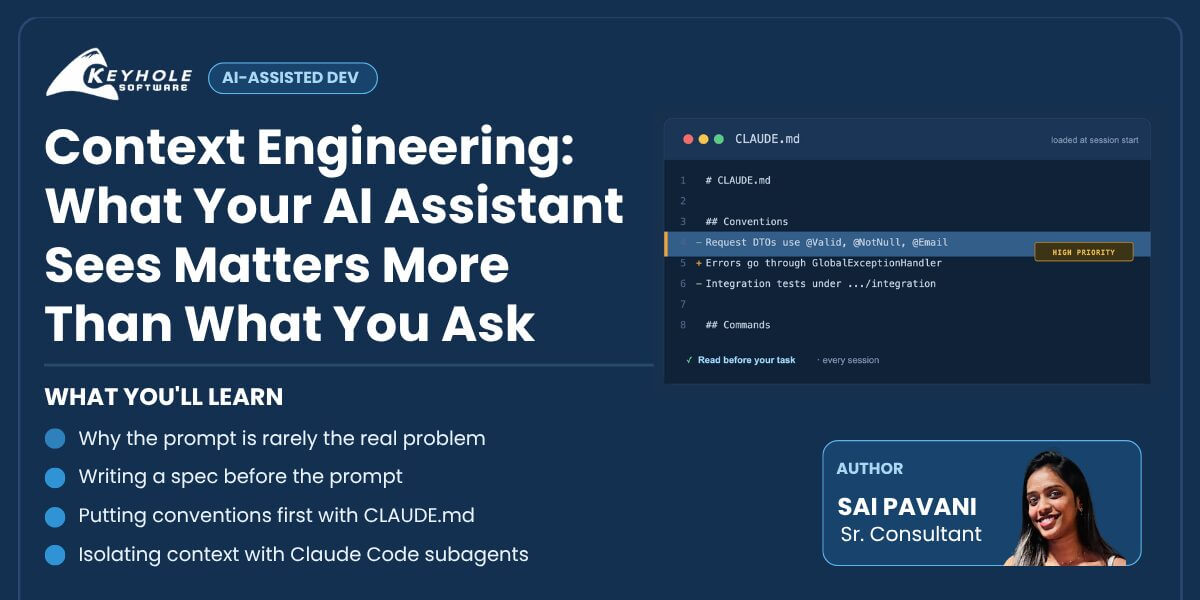
Context Engineering: What Your AI Assistant Sees Matters More Than What You Ask
Most of the advice I’ve seen about getting good code out of AI assistants like Claude Code is about writing better prompts. In my experience, that stopped being the main lever a while ago. What matters more is what the model can actually see when it reads your prompt: which files, which conventions, and how much noise is in the way.
People have started calling this context engineering. In this post, I’ll walk through what that means and three habits I’ve picked up, using Claude Code’s CLAUDE.md and subagent files as concrete examples.
If you want the deeper version of the idea, Anthropic’s engineering post Effective context engineering for AI agents is the best write-up I’ve found. This post is the practical, day-to-day side of it: what you actually put in front of the model.
The Prompt Isn’t the Problem: Why Context Engineering for AI Coding Assistants Matters
Here’s a prompt that looks reasonable:
Add validation to the UpdateUserProfile endpoint.
In a small single-file script this works fine. In a real Spring Boot service, one with a UserController, a UserProfileRequest DTO, @Valid already on three other endpoints and a custom GlobalExceptionHandler, the result is a coin flip. The prompt isn’t badly worded. The model just never saw the one file that shows how validation is done in that codebase.
I’ve run into this on a recent project. The assistant kept throwing raw exceptions straight from the controller, in a codebase where every error was supposed to go through a shared exception handler. Here’s roughly what it produced the first time:
@PatchMapping("/{id}/email")
public ResponseEntity < UserProfileResponse > updateEmail(
        @PathVariable Long id, @RequestBody UpdateEmailRequest request) {
        if (userRepository.existsByEmail(request.getEmail())) {
            throw new RuntimeException("Email already in use");
        }
        return ResponseEntity.ok(userService.updateEmail(id, request.getEmail()));
    }
Nothing about the prompt was wrong. It just hadn’t seen the handler, so it had no reason to use it. Once I pointed it at GlobalExceptionHandler and the existing exception types, it produced this instead, and followed the pattern every time after:
@PatchMapping("/{id}/email")
public ResponseEntity < UserProfileResponse > updateEmail(
    @PathVariable Long id, @Valid @RequestBody UpdateEmailRequest request) {
    if (userRepository.existsByEmail(request.getEmail())) {
        throw new DuplicateResourceException(ErrorCode.EMAIL_ALREADY_IN_USE);
    }
    return ResponseEntity.ok(userService.updateEmail(id, request.getEmail()));
}
// GlobalExceptionHandler already maps DuplicateResourceException -> 409
@ExceptionHandler(DuplicateResourceException.class)
public ResponseEntity < ErrorResponse > handleDuplicate(DuplicateResourceException ex) {
        return ResponseEntity.status(HttpStatus.CONFLICT)
            .body(new ErrorResponse(ex.getErrorCode()));
    }
Same prompt, same model. The only difference was one file in the context.
That’s what most “AI doesn’t work on our codebase” complaints come down to. The prompt gets the blame, but the real problem is what the model could and couldn’t see when it answered.
Prompt Engineering vs. Context Engineering
Prompt engineering optimizes the sentence. Context engineering optimizes everything around it: which files are open, what conventions are written down, what the last few commits look like, and how much unrelated material is competing for the model’s attention.
The two produce different habits. If you’re focused on the prompt, you add more adjectives and examples to the request. If you’re focused on context, you ask a different question first: what does the model need to see to do this right, and how do I make sure it sees exactly that?
Practice 1: Write the Spec Before the Prompt (Spec-First Prompting for AI Assistants)
Instead of describing a feature in a sentence, I write a short spec first (inputs, outputs, edge cases, constraints) and hand that over.
Prompt-only:
"Add an endpoint to update a user's email address."
Spec-first:
Update Email Endpoint
Route: PATCH / api / users / {
    id
}
/email
Input: {
    "email": string
}
Validation: must be a valid email format, must not already exist
for another user
On success: 200,
    return updated UserProfileResponse
On duplicate: 409 Conflict with error code EMAIL_ALREADY_IN_USE
Must reuse existing GlobalExceptionHandler pattern
for error responses
Writing the spec takes a couple of minutes and removes most of the ambiguity that makes the assistant guess. It also becomes something I can hand to a teammate or regenerate code from later, instead of a one-off instruction buried in a chat log.
Practice 2: Order Matters as Much as Content (Structuring Your CLAUDE.md File)
Where information sits in the context matters too, not just what’s in it. In practice, rules and constraints given early tend to be followed more consistently, and the task itself works best near the end. Reference material and examples fit in the middle, where they’re available without competing with the instructions.
In Claude Code, this is what the CLAUDE.md file is for. It’s a markdown file at the project root that gets loaded automatically at the start of every session:
CLAUDE.md
Project Overview
Java 17 / Spring Boot 3 service
for user profile management.
Conventions
All request DTOs use Jakarta Bean Validation(@Valid, @NotNull, @Email)
Errors go through GlobalExceptionHandler— never
throw raw exceptions from controllers
Integration tests live under src / test / java / .../integration, not alongside unit tests
Commands
mvn spring - boot: run— start locally
mvn test— run unit tests
Because it loads first and every time, the model sees your conventions before it sees your task, without you retyping them each session.
Practice 3: Isolate Context Instead of Maximizing It (Using Claude Code Subagents)
On a big codebase the instinct is to give the assistant everything, every file and every previous conversation, on the theory that more context can only help. It doesn’t. A context window with fifteen loosely related things in it produces worse output than a narrow one built for the task at hand.
Claude Code’s subagents are built around this. A subagent is a markdown file with YAML frontmatter, stored under .claude/agents/, and it runs in its own context:
name: code - reviewer
description: Reviews pull requests
for code quality, security, and maintainability issues.
tools: Read, Grep, Glob
You are a senior code reviewer.Focus on:
    Null safety and validation gaps
Consistency with existing service conventions
Missing test coverage on new branches
When the main session hands a review to code-reviewer, the subagent reads whatever it needs in its own context and reports back only its findings. The main conversation doesn’t accumulate every file the subagent opened. That’s a big part of why AI assistance can stay useful as a project grows, instead of getting worse as history piles up in one long session.
The Junk Drawer Problem
The most common failure I see isn’t a bad prompt. It’s treating context like a junk drawer: paste in every file, every past message, every doc “just in case”, then be surprised when the output drifts or misses a convention that was technically in there somewhere. More context isn’t better context. A CLAUDE.md with a dozen relevant lines will beat a context window stuffed with forty tangential ones.
There’s a second, related failure that gets less attention: the CLAUDE.md itself going stale. The file is loaded first and trusted every session, which is exactly what makes it useful, and exactly what makes an outdated line in it dangerous. A rule for a service that was decommissioned last quarter, a naming convention the team changed six months ago, a test folder that moved. The assistant will follow the stale instruction with the same confidence it follows the current ones, and the output will look correct while quietly contradicting how the codebase works now. Treat CLAUDE.md like code: review it when conventions change, and prune anything you can’t point to in the current repo.
Key Takeaways: Getting Started with Context Engineering in Claude Code
Prompt engineering isn’t dead, but it’s not where the big gains are anymore. The teams getting consistent results from AI coding assistants are the ones engineering context on purpose: the spec, the project memory file, and the isolation between subtasks.
If you use Claude Code, start with a CLAUDE.md that has your project’s real conventions, plus one or two focused subagents for the tasks you delegate most. Both are small investments that pay off every session after.
More From Sai Pavani Bhavanashi
About Keyhole Software
Expert team of software developer consultants solving complex software challenges for U.S. clients.
Share This Post
Join The Thousands Of Devs Who Subscribe
Discuss This Article
Subscribe
Login
0 Comments
Oldest