
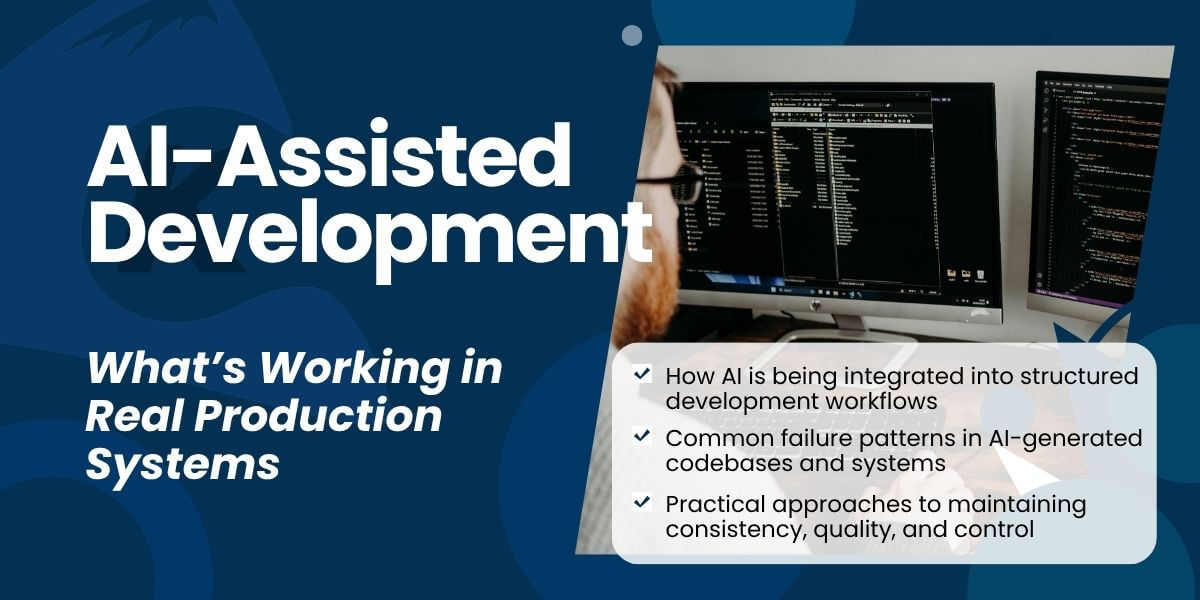
Enterprise AI-Assisted Development: How Teams Get Repeatable Results
Learn how enterprise teams use AI coding tools with guardrails, governance, and workflow structure to improve speed without sacrificing code quality or control.
Many organizations are experimenting with AI coding tools, but fewer are measuring or achieving consistent, repeatable results from enterprise AI-assisted development in practice. The difference is not the tools. It is how engineering teams operationalize them day to day.
These observations are drawn from internal engineering roundtables and hands-on client work, where teams are actively working through how AI fits into production development workflows today.
Why Unstructured AI Coding Breaks Down in Production
AI-generated prototypes can be useful for getting an idea off the ground quickly. But when a system has to scale, integrate with other services, or support real usage over time, unstructured code starts to break down. Data models become harder to maintain, logic becomes harder to reason about, and small issues compound into larger ones. At that point, speed is no longer the problem. Maintainability is.
We’ve seen this pattern in real delivery work: applications that look complete early on can struggle under production conditions when they lack architectural constraints, review discipline, and testing. As usage grows, performance, consistency, and maintainability issues surface, often requiring rework to stabilize the system.
Rescuing (or Avoiding) the Vibe Code Fail
Vibe coding platforms let non-technical users build apps through natural language. They work great for prototypes, but often struggle in production.
The pattern is consistent: Lovable-style tools generate applications that look complete but fail under enterprise loads. Data models don’t scale. Integrations break. Business logic doesn’t match years of existing requirements.
Teams typically take one of two paths:
- Add architectural guardrails, production testing, and enterprise integration
- Reverse-engineer into maintainable systems with proper workflows
Either way, AI prototype speed is preserved while needed production quality gets built in.
What Enterprise AI-Assisted Development Looks Like
AI-assisted development is not prompt-to-application or generating entire applications from a single prompt. It works with AI operating inside a defined engineering workflow with architectural constraints, review steps, and testing in place.
Enterprise teams are using AI to:
- analyze existing codebases and trace dependencies
- generate boilerplate within defined architectural constraints
- assist with test generation and documentation
- implement well-scoped tasks with detailed implementation plans that include verification steps at each stage
The defining factor is control. Developers are still making decisions. The AI is doing work, but it is not deciding how the system should behave.
It functions less like automation and more like delegation.
Why Guardrails and Structure Matter
One issue that emerges quickly in the enterprise AI-assisted development process is inconsistency. AI does not produce the same output every single time.
Over multiple iterations, small variations start to accumulate. Extra parameters show up. Patterns drift. Logic gets slightly less efficient.
Teams have started describing this as codebase “entropy.” It is not one big failure. It is a slow degradation that happens if no one is watching closely.
Developers see these regressions accumulate over multiple iterations. Common examples include:
- Extra function arguments appearing across implementations
- Inconsistent testing commands like
vite testinstead ofnpm test - Hard-coded URLs instead of environment variables
- Performance choices that slowly degrade maintainability
- Inconsistent null handling across similar functions (some use
??, others||) - 12-factor app violations like missing proper config separation
- Duplicate imports across files (same library imported 3 different ways)
- Missing
awaiton half the async calls in a service
Without guardrails, frequent human review, and organization-specific context files, this compounds rapidly.
Teams we’ve seen getting real value from AI counter this with structure:
- clear architectural patterns
- explicit constraints in prompts and system context
- organization-specific
AgentsMDandPromptMDfiles that encode architecture, testing patterns, coding standards, and planning sessions that generate use - cases automatically pushed to GitHub Issues for traceability
- strong code review habits
- automated tests that catch drift early
Teams also learn quickly that detailed system instructions outperform clever one-line prompts. In practice, repeatable results come from encoding architecture, testing expectations, and coding standards into the model’s working context. In production, the model needs the client’s context rather than generic prompts: coding standards, release procedures, lint rules, and architectural conventions in context.
This is not new discipline. It is the same discipline that always mattered, but now it matters more because changes happen faster.
How Enterprise Teams Turn AI Tools Into Workflows
Many enterprise teams say they are “doing AI” because they have Copilot licenses, but they’re not using CLI capabilities or structured workflows. In reality, most are still using AI at the surface level.This creates an opportunity for teams ready to operationalize AI beyond surface-level tools.
The real shift is happening at the workflow level. Some teams are starting to move toward more structured approaches, where AI operates against defined units of work instead of open-ended prompts.
- One example is using a task queue, like GitHub Issues: developers define work with acceptance criteria, AI implements via CLI tools, and humans review before merge.
- Teams are also experimenting with using an MCP (Model Context Protocol) gateway to connect AI to GitHub Issues, giving it controlled access to repositories while maintaining traceability and security. Developers can add issues via slash commands, let AI implement them via CLI tools like Codex or Claude, and review the results before merge.
- Teams get better results when they ask the model to meet specific criteria, such as passing tests, following architectural constraints, or avoiding hard-coded configuration, instead of asking for “high quality” output in general terms.
- Even small workflow changes matter. For debugging, teams often give the model the error condition first and the code second, which produces more targeted fixes than dropping in a large block of code without context.
- Some teams use automated agentic workflows like the “Ralph Wiggins loop,” where AI iterates through issue sets with human oversight at key checkpoints and clear acceptance criteria.
This changes how developers use the tool. Instead of asking for code directly, they define work, let the system execute, and then review the result. It also forces better thinking up front. This creates traceability for planning, implementation, and review, which matters when multiple people need to understand why a decision was made.
Enterprise setups also need safety controls that prevent the model from accessing secrets, environment files, or other sensitive configuration unless explicitly allowed.
Why AI Exposes Gaps in Team Maturity
One pattern is consistent: Strong teams get faster. Weak teams become unpredictable.
AI tends to magnify team maturity: strong engineering organizations are faster, while weak processes become more visible and more expensive.
Consider two developers from our roundtables:
- Developer A (high-maturity team): Uses detailed implementation plans with verification steps, reviews every chunk, and maintains an extensive test suite.
Result? No entropy, consistent acceleration. - Developer B (experimenting team): Runs AI loose on larger apps, sees extra arguments accumulate across check-ins, spends time cleaning regressions.
Result? Codebase degrades faster than it would without AI.
More mature teams also pressure-test outputs with skeptical review prompts that force tradeoffs, assumptions, and edge cases into the open before implementation begins.
AI amplifies existing discipline. Teams without strong architecture, testing, or judgment see gaps widen because AI accelerates bad patterns just as easily as good ones.
That’s why results vary so much. The AI tools are identical; the environment determines success.
Why Enterprise Teams Still Review AI-Generated Code
Even with structured approaches, one issue remains. Adoption has moved faster than trust.
Most developers are using AI tools in some form. At the same time, very few are willing to rely on the output without reviewing it. That shows up in how people actually work, because they are still responsible for the outcomes.
From our roundtables:
- One developer reviews every line of AI-generated code, testing each chunk before moving forward
- Another still manually inspects commits from automated workflows before merging to
main - Some teams maintain GitHub boards with “needs human review” columns even for AI-automated workflows
- Other engineers spend 25-30 minutes upfront grilling AI plans with 75+ branching logic questions
- Developers often tell the model to explicitly say when it does not know, rather than fill gaps with plausible guesses
Everyone knows AI can produce “most probable” code that looks correct and still be wrong, especially with decades of business logic.
What this means in practice: Work goes from hours to minutes, but humans remain responsible. AI might generate a timesheet UI that looks perfect. Under load with real employee data patterns from 15 years of HR systems? It breaks… and you’re the one who merged it. Payroll stops. Compliance reports fail. The business impact lands on your team, not the model.
When systems carry decades of embedded business logic, that responsibility never shifts. One bad merge can cascade through financials, regulatory reporting, or customer-facing services. Speed doesn’t eliminate accountability.
The right enterprise model is still human-in-the-middle: the developer drives the work, reviews the output, and remains responsible for the result.
How Enterprise AI Development Is Evolving
The conversation is starting to move past using enterprise AI tools and toward integration.
One area that is starting to get more attention is how teams embed their own standards into these workflows.
- Instead of relying on generic prompts, teams are beginning to define structured interfaces between AI and their systems, including coding standards, architectural patterns, and release processes.
- In some cases, this takes the form of internal layers that enforce coding standards, constrain architectural patterns, and validate outputs before changes are accepted.
- Some teams are moving toward custom MCP-style layers that connect the model to internal standards, issue tracking, and release workflows so AI operates inside the company’s system, not outside it.
The goal is not just better output. It is consistency. When AI operates within a defined system like this, it becomes much more predictable and much easier to trust.
Over time, this will likely become a key differentiator. Teams that can encode their standards, architecture, and workflows into these systems will be able to scale development more effectively without sacrificing quality.
What Enterprise Buyers Should Take From This
AI is changing how software gets built, but it is not replacing the fundamentals.
But building real systems still requires structure, judgment, and discipline. AI-assisted enterprise development works when it is treated as a tool inside that system, not a replacement for it.
Enterprise AI-assisted development works when it is treated as part of the engineering system, not a standalone tool.g works best when it is treated as part of the engineering system, not as a standalone prompt engine. That means codifying architecture, release cadence, lint rules, review steps, and team-specific standards so the model can operate with real context. It also means keeping a human in the middle for review, approval, and judgment.
The real value is in helping teams codify their standards, set up MCP gateways, and build workflows that make AI reliable. That’s where we see the biggest acceleration without sacrificing quality.
The teams seeing results are not just using AI, they are operationalizing it.
More From Keyhole Software
About Keyhole Software
Expert team of software developer consultants solving complex software challenges for U.S. clients.
Share This Post
Join The Thousands Of Devs Who Subscribe
Discuss This Article
Subscribe
Login
0 Comments
Oldest