
Attention: This article was published over 3 years ago, and the information provided may be aged or outdated. While some topics are evergreen, technology moves fast, so please keep that in mind as you read the post.Outsourcing software development offers a pathway to leverage specialized skills, innovative technologies, and cost-effective solutions. However, navigating this path requires a deep understanding of …
Dev Container CLI: Escaping the IDE Restrictions
In past blogs, I have discussed development containers (dev containers) in detail, from explaining their general mechanics to showing how they can bolster a team’s build automation. As a brief recap for the uninitiated: dev containers are a way of encapsulating a developer’s setup into a container, typically a Docker container. As a practical example, rather than forcing a new teammate to manually install and configure all the necessary tooling before contributing to a project, they can leverage a team’s devcontainer.json definition file to quickly spin up a fully configured development environment.
Microsoft has championed this workflow over the past few years, offering tight integration with tools like VS Code and Codespaces to make containerized development as seamless as possible. At the time of writing, the developer experience has reached a point where I honestly prefer to operate within a dev container for certain types of projects. When I open a team’s codebase within VS Code and it informs me that they have provided a dev container to use, I have higher confidence that I’ll be using the same versions of their tools and seeing the behaviors that they expect.
I’ve even come to trust these setups more than an equivalent set of Dockerfiles or docker-compose scripts, just because the simplicity of the ecosystem makes it more likely that everything is well-maintained and configured correctly. It’s easy to see how these standardization and automation benefits can be a huge boost to teams…once they’ve adopted the right tools to integrate with them.
But what if you don’t want to use VS Code?
What are the Benefits of Outsourcing Software Development for Your Business?
Attention: This article was published over 3 years ago, and the information provided may be aged or outdated. While some topics are evergreen, technology moves fast, so please keep that in mind as you read the post.In today’s fast-paced digital landscape, the benefits of outsourcing software development for your business are more relevant than ever. By embracing this strategy, companies …
What are the Benefits of Moving My Business to the Cloud?
Attention: This article was published over 3 years ago, and the information provided may be aged or outdated. While some topics are evergreen, technology moves fast, so please keep that in mind as you read the post.In the last decade, the phrase “the cloud” has transitioned from a futuristic concept to a fundamental business strategy. The benefits of moving your …
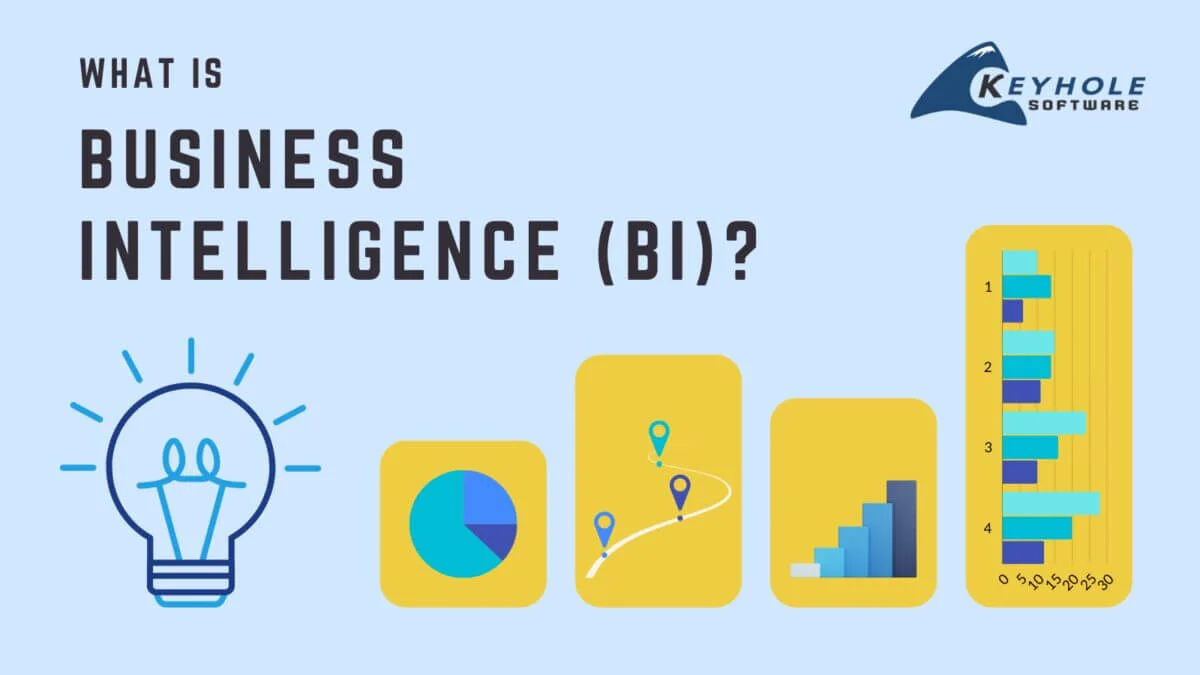
What is Business Intelligence (BI)?
I’m sure you’ve come across the term “Business Intelligence” or “BI” in your workplace or on LinkedIn. It’s remarkable how many people are now embracing the advantages it offers for making better business decisions, making data more accessible and comprehensible, and much more.
One of the primary objectives of BI is to enable companies to make informed, data-driven decisions by following a multi-step process. This process encompasses data collection through ETL (Extract, Transform, Load), data analysis, data visualization, and the subsequent presentation of findings to key decision-makers within the organization. These tasks are accomplished using BI tools and various programming languages, which are employed to access and analyze extensive datasets. The results are then presented in reports that incorporate charts, graphs, maps, and key performance indicators (KPIs) for a detailed overview of the business’s performance.