Compare 8 Python development companies on enterprise delivery, data and AI depth, systems integration, team augmentation fit, seniority, and pricing.
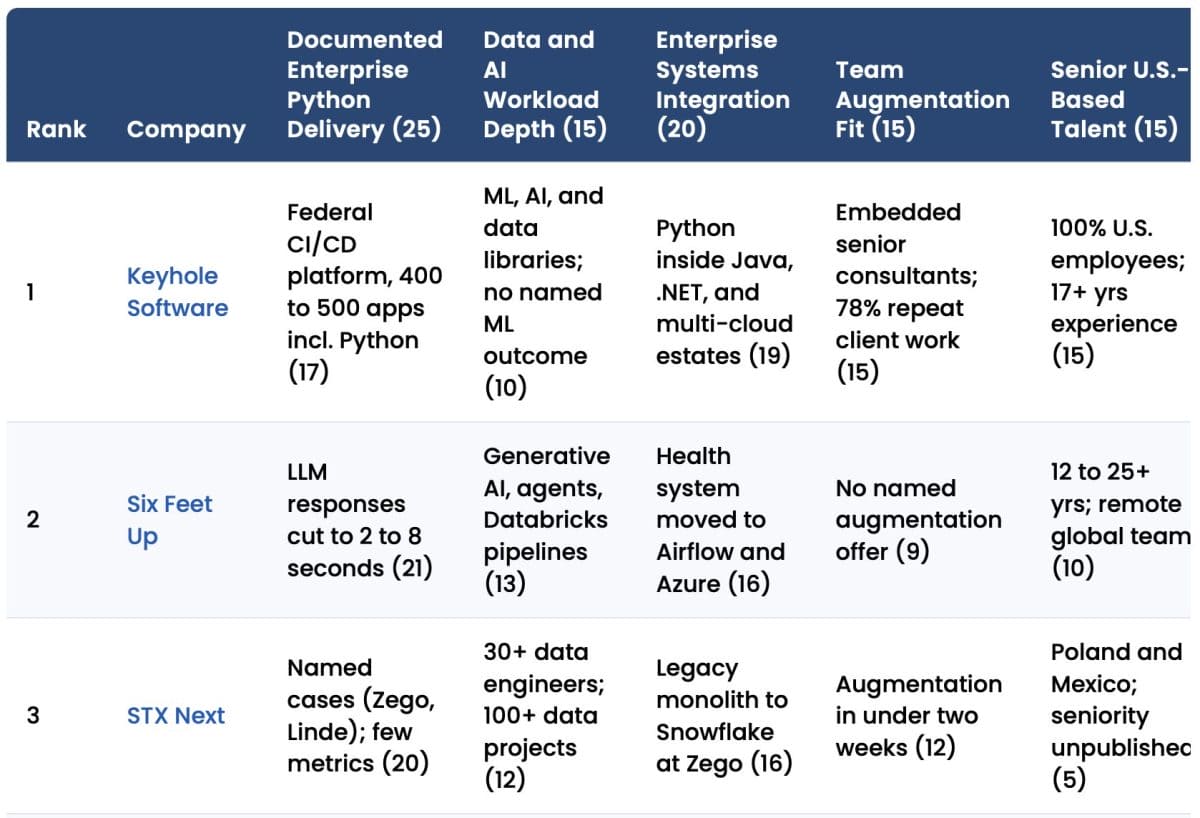

Compare 8 Python development companies on enterprise delivery, data and AI depth, systems integration, team augmentation fit, seniority, and pricing.
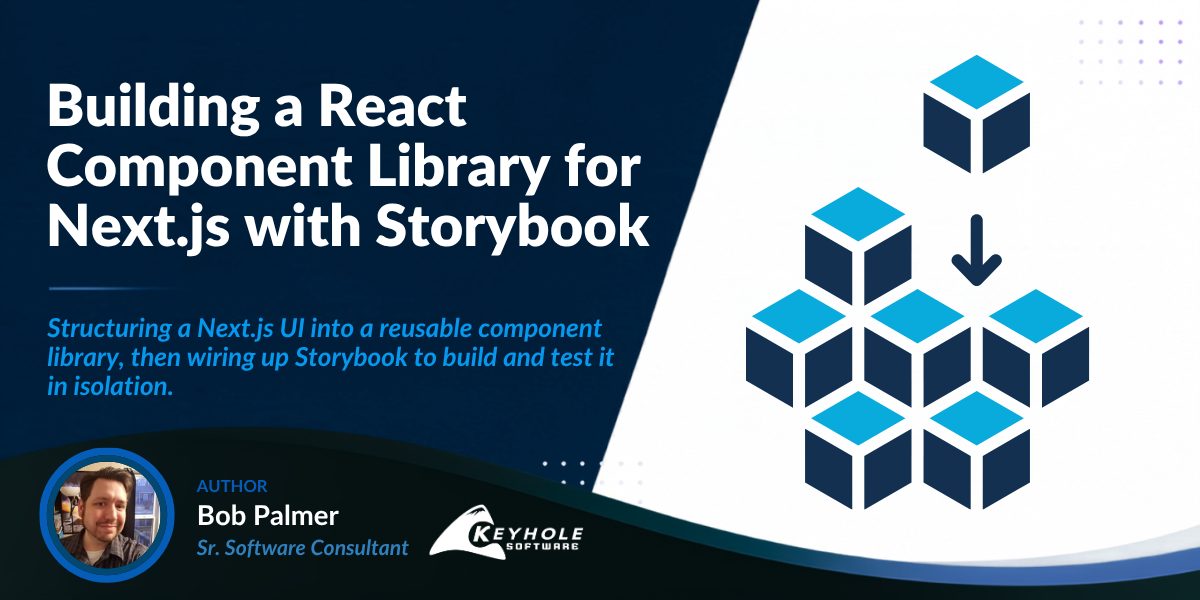
In my last post, Implementing GitHub OAuth with NextAuth.js, we set up a standard single sign on flow with GitHub OAuth in NextAuth.js. This article assumes that you have followed along with that article already, and have your own version of that project locally. If not, but you already have a Next.js project, then you can follow along here just the same.
Last time, we set up a very basic dashboard to demonstrate displaying a signed-in user’s name, avatar, and some usage data from the GitHub API. Since then, NextAuth.js has evolved into Auth.js, but the GitHub implementation remains largely the same. However, if you haven’t upgraded your Next.js projects in a while, I would recommend doing so first.
In this post, we’ll pick up where we left off: upgrading your project’s dependencies, then decomposing your components into a scalable library using atomic design principles (atoms, molecules, organisms, templates, and pages). From there, we’ll install and configure Storybook for Next.js and Tailwind, write your first component stories in Component Story Format 3, and set up shared fixtures so you can preview and test components without depending on live GitHub API calls.
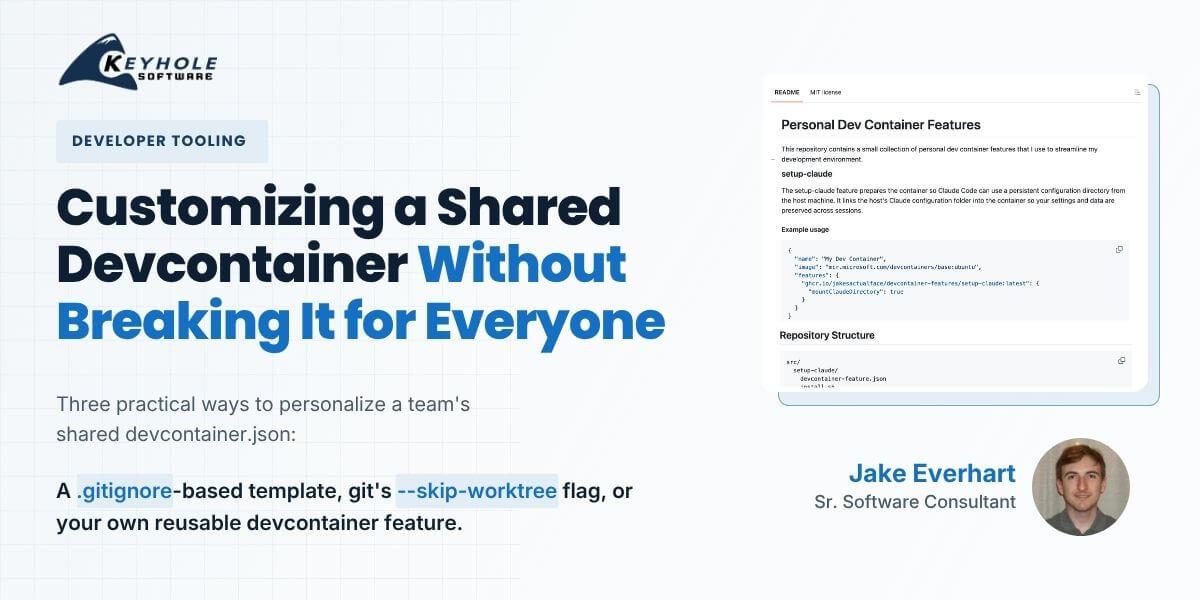
There’s no single “correct” way to customize a devcontainer, just like there’s no one right way to use most tools in software development. Devcontainers can be great for solo projects, to yield an isolated development workspace with no risks of polluting (or being polluted by) the external environment. They can also give teams a consistent, baseline environment for bootstrapping engineers, with integrations like GitHub Codespaces exposing that environment in a variety of ways. But the gap between those workflows is large, and managing it sometimes requires weighing a team’s needs vs. individual preferences.
It’s a balancing act, and getting it wrong can make your containers brittle, difficult to maintain, and cause enough overall frustration to outshine the benefits.
Yet there are options available for a more-granular approach. We don’t have to decide just between bare-minimum or include-everything – we can curate containers that are focused on the core tools used across the entire team, while still providing room for per-user expansions.
Today, we’ll explore a few approaches for customizing a shared devcontainer setup across different team scenarios, without having to abandon shared devcontainers altogether.
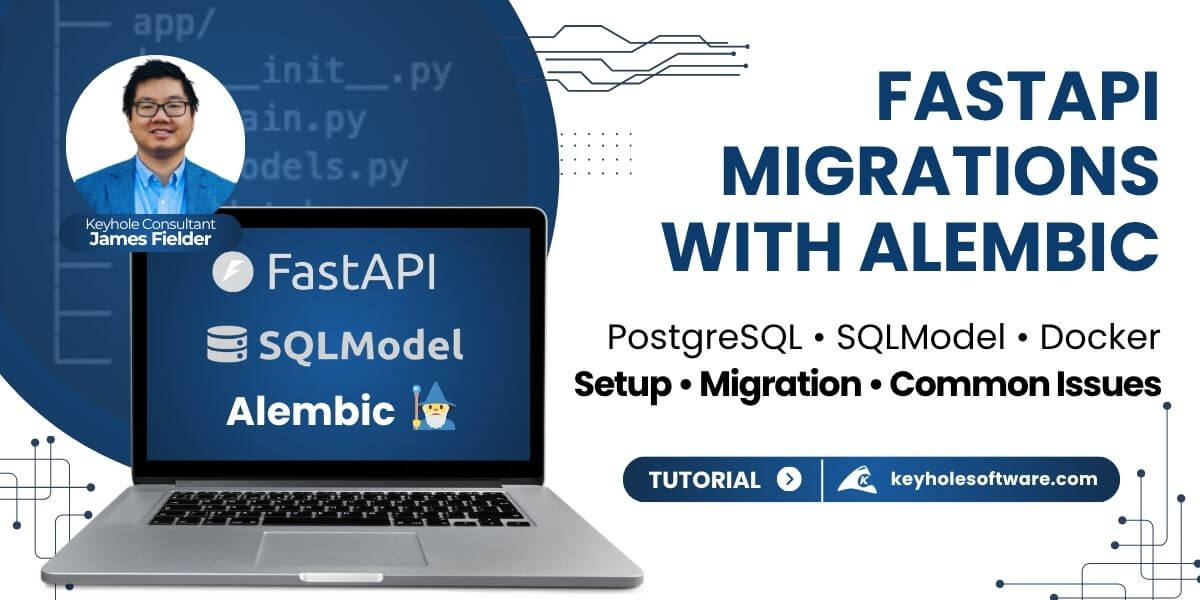
When building a FastAPI project with PostgreSQL, you need a reliable way to manage your database schema over time. As your application evolves, simple table creation is not enough. You need a way to safely apply, track, and roll back changes.
Alembic provides a structured, version-controlled approach to database migrations. In this guide, we’ll walk through how to set up Alembic with FastAPI, SQLModel, and PostgreSQL, including common issues you’ll run into when working with Docker.
Choosing an API framework depends on both your application’s needs and your development team’s strengths. In this article, we explore Express vs FastAPI by building the same API in both frameworks and examining differences in tooling, ecosystem support, and runtime behavior.