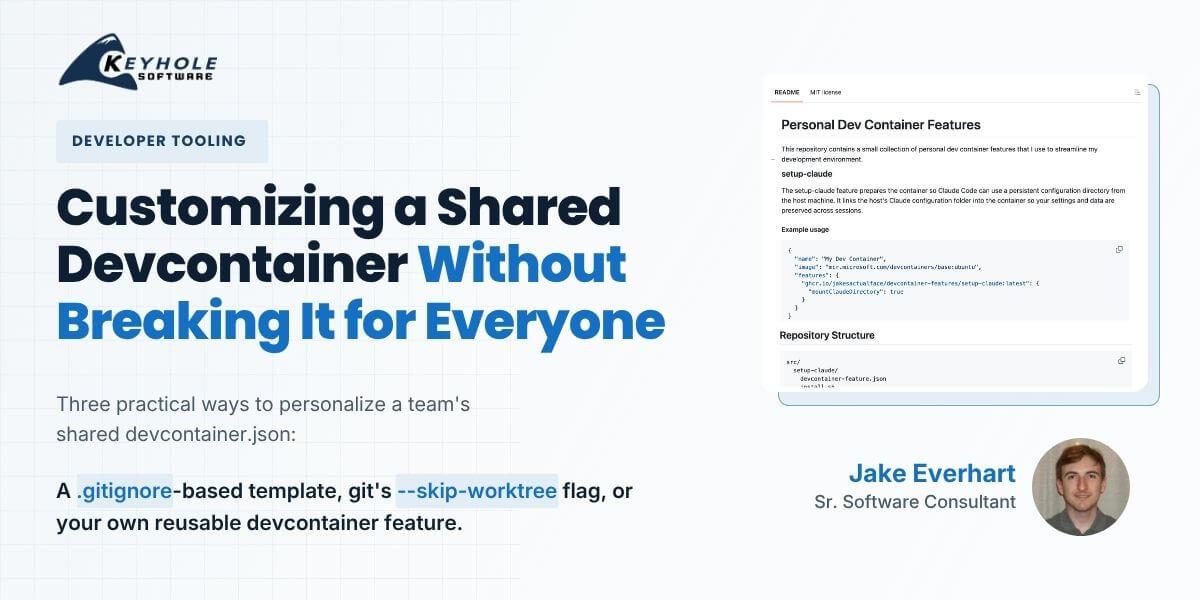
Devcontainer.json customization guide blog header — gitignore template, git skip-worktree, and custom devcontainer feature methods, by Jake Everhart, Keyhole Software

Customizing Devcontainers Without Affecting Your Team

Jake Everhart Agentic AI & AI-Accelerated Development, Articles, Development Technologies & Tools, DevOps, Infrastructure As Code (IaC) Leave a Comment

There’s no single “correct” way to customize a devcontainer, just like there’s no one right way to use most tools in software development. Devcontainers can be great for solo projects, to yield an isolated development workspace with no risks of polluting (or being polluted by) the external environment. They can also give teams a consistent, baseline environment for bootstrapping engineers, with integrations like GitHub Codespaces exposing that environment in a variety of ways. But the gap between those workflows is large, and managing it sometimes requires weighing a team’s needs vs. individual preferences.

It’s a balancing act, and getting it wrong can make your containers brittle, difficult to maintain, and cause enough overall frustration to outshine the benefits.

Yet there are options available for a more-granular approach. We don’t have to decide just between bare-minimum or include-everything – we can curate containers that are focused on the core tools used across the entire team, while still providing room for per-user expansions.

Today, we’ll explore a few approaches for customizing a shared devcontainer setup across different team scenarios, without having to abandon shared devcontainers altogether.
Dev Container CLI Escaping the IDE Restrictions

Dev Container CLI: Escaping the IDE Restrictions

Jake Everhart API Development, Articles, Development Technologies & Tools, Docker, Programming 1 Comment

In past blogs, I have discussed development containers (dev containers) in detail, from explaining their general mechanics to showing how they can bolster a team’s build automation. As a brief recap for the uninitiated: dev containers are a way of encapsulating a developer’s setup into a container, typically a Docker container. As a practical example, rather than forcing a new teammate to manually install and configure all the necessary tooling before contributing to a project, they can leverage a team’s devcontainer.json definition file to quickly spin up a fully configured development environment.

Microsoft has championed this workflow over the past few years, offering tight integration with tools like VS Code and Codespaces to make containerized development as seamless as possible. At the time of writing, the developer experience has reached a point where I honestly prefer to operate within a dev container for certain types of projects. When I open a team’s codebase within VS Code and it informs me that they have provided a dev container to use, I have higher confidence that I’ll be using the same versions of their tools and seeing the behaviors that they expect.

I’ve even come to trust these setups more than an equivalent set of Dockerfiles or docker-compose scripts, just because the simplicity of the ecosystem makes it more likely that everything is well-maintained and configured correctly. It’s easy to see how these standardization and automation benefits can be a huge boost to teams…once they’ve adopted the right tools to integrate with them.

But what if you don’t want to use VS Code?

Keyhole Announces 2022 Education Series: Kubernetes/Containers, Blockchain and HyperLedger

Lauren Fournier Bogner Articles, Blockchain, Community, Company News, DevOps, Educational Event, Hyperledger, Keyhole, Keyhole Creations Leave a Comment

We are excited to announce the Summer 2018 Keyhole Education Series!

This series consists of three educational Breakfast Boost events open to the public. The presentations are geared to benefit software developers who are implementing or interested in using Containers/Kubernetes, Blockchain, and/or HyperLedger with one presentation dedicated to each topic.

Kubernetes & Containers In Action: Tuesday, June 26, 2018
Blockchain in Action: Event Time: Wednesday, July 18, 2018
Implementing a Permissioned Smart Contract Blockchain with HyperLedger: Wednesday, August 15, 2018

All three presentations will be held at the Keyhole Software office in Leawood, Kansas. Space is limited so RSVP is required…